
Clean without stray input
Pause supported inputs while you clean.
- Keyboard-only and pointer-only modes
- Combined protection for supported inputs
- Input filtering stays on your device
A moment for your hardware
 Cleanly.
Pause your inputs, set a timer, and clean without stray clicks.

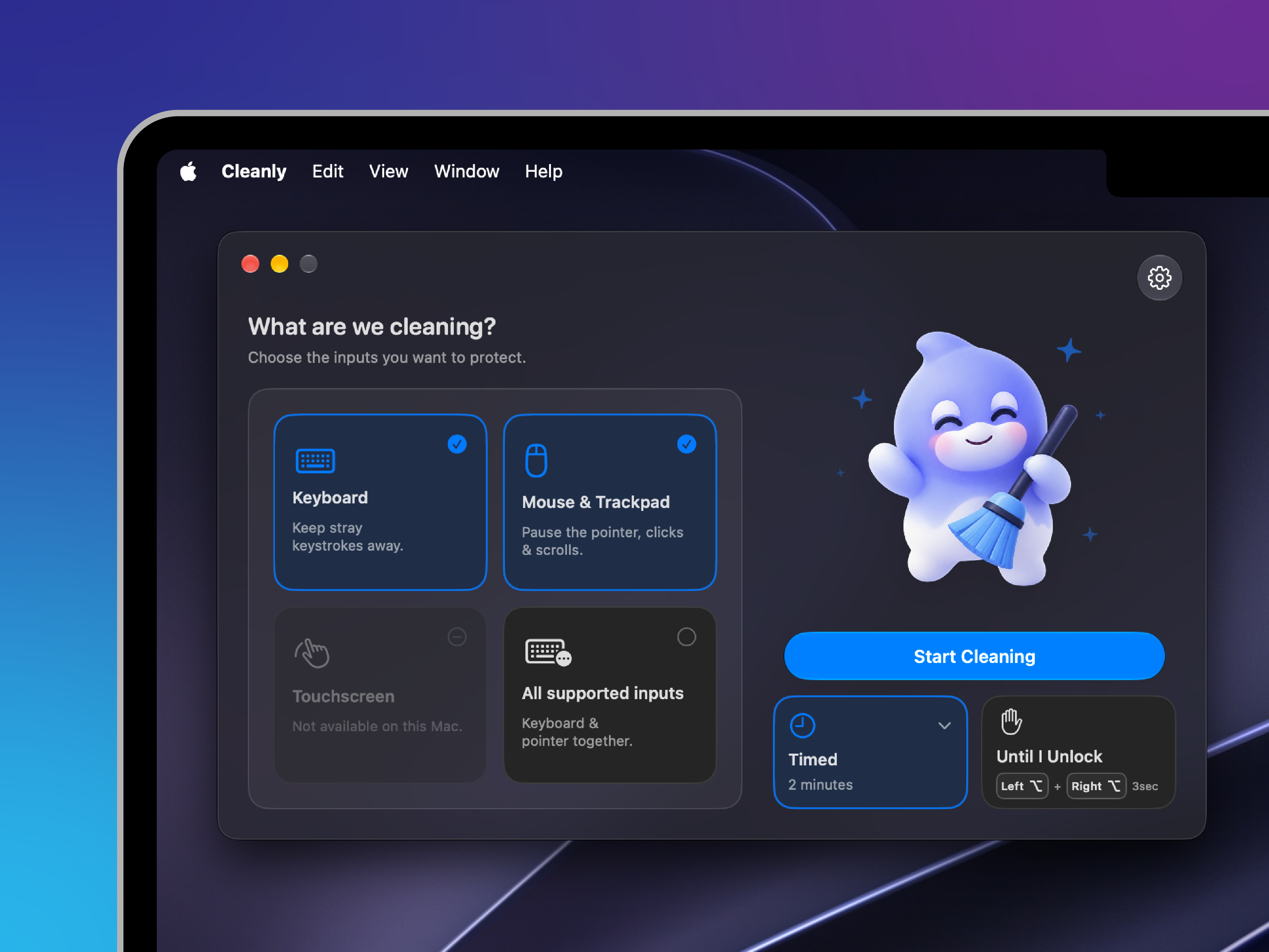
Pause supported inputs while you clean.
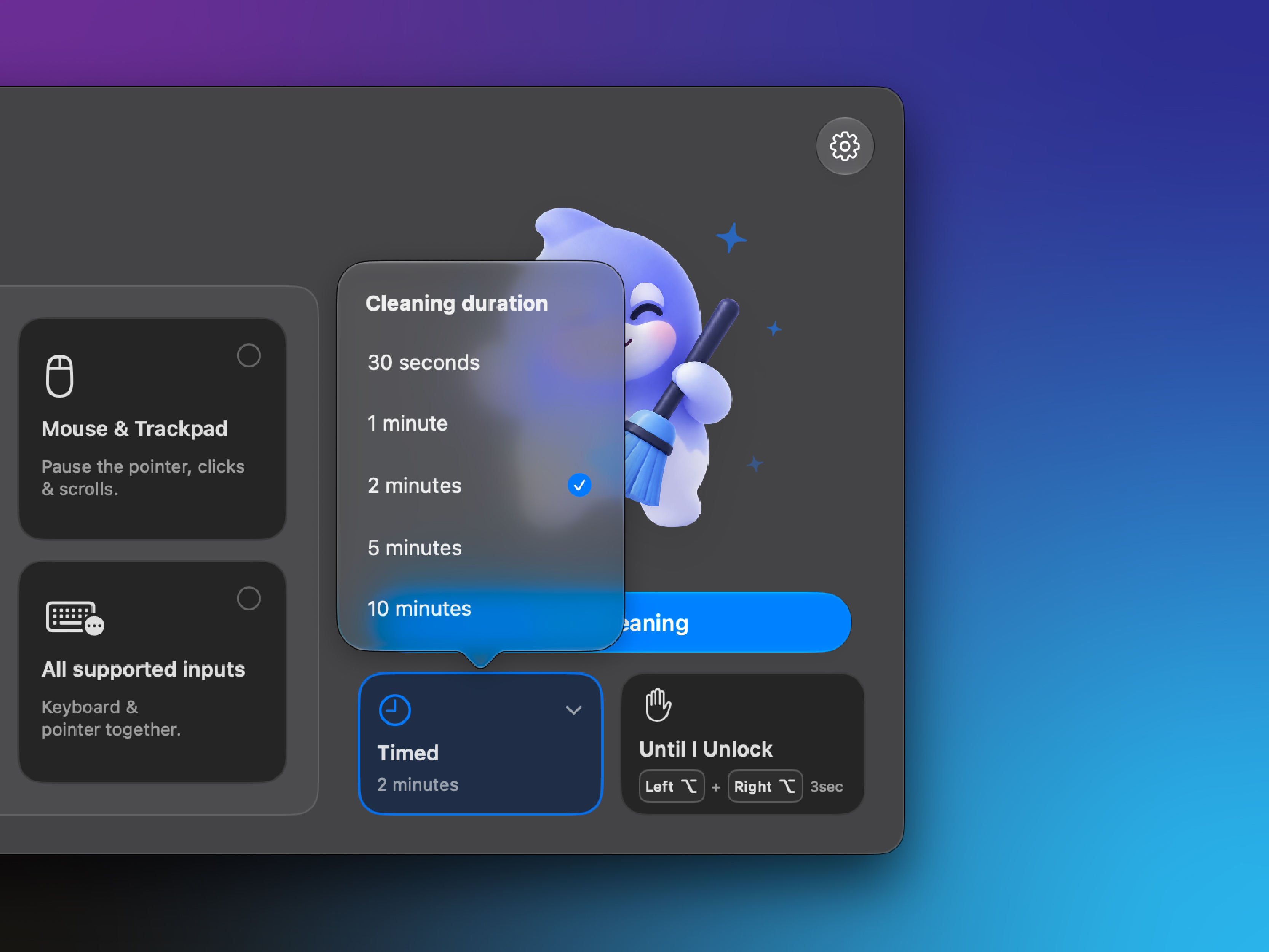
Use a timer or unlock when you’re done.
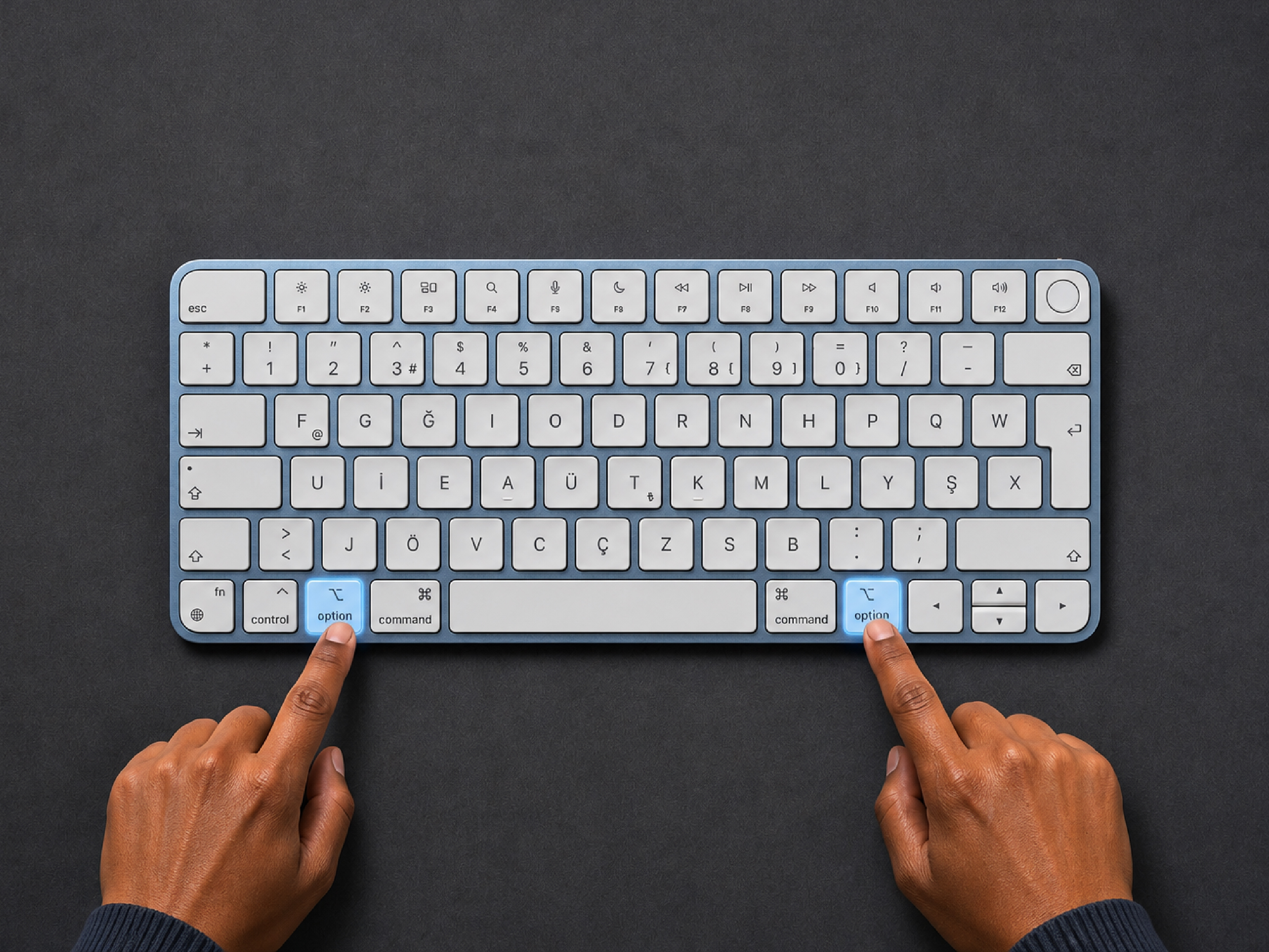
End a session with the emergency shortcut.
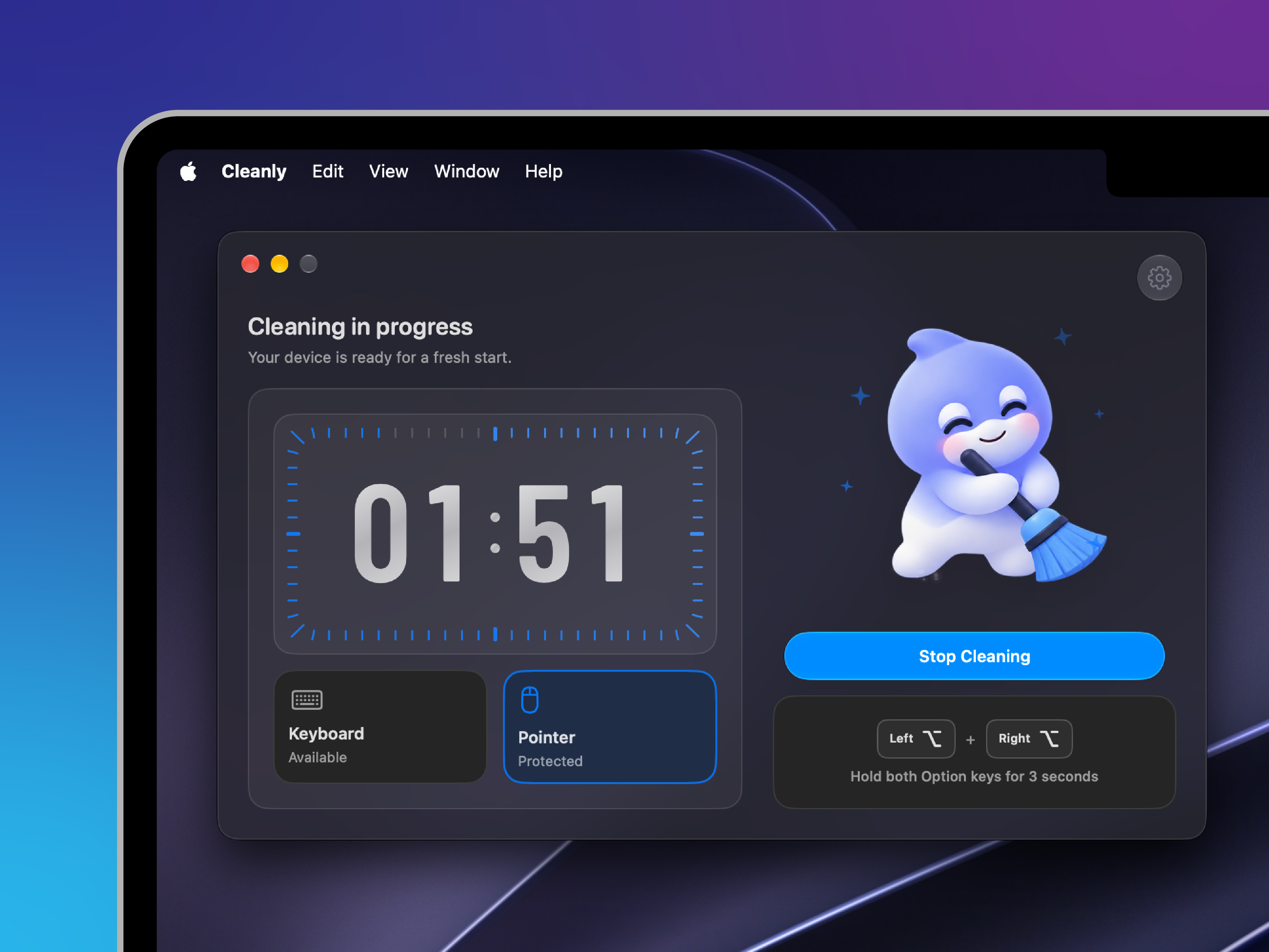
Your cleaning controls, clearly laid out.

Input filtering stays local. Typed text is never recorded.
Select keyboard, mouse and trackpad, or all supported inputs.
Choose a timed session or keep protection on until you unlock.
Let the timer finish or use the emergency unlock shortcut.
No. Cleanly examines event types and modifier states to filter input and detect the unlock shortcut. It does not keep a history of typed text.
Hold both Alt keys together on Windows, or both Option keys together on Mac, for three seconds. Follow the unlock instructions shown in your edition.
Support depends on the operating system, hardware, and permissions. Check the available input modes before cleaning. Touch support is capability-dependent.
Use the Microsoft Store button for the Windows edition. The listing shows current pricing, trial availability, and system requirements. The Mac edition is coming soon.
Read how Cleanly handles information on each platform.
Pause your keyboard and pointer while you wipe things down.
Available from Microsoft Store. macOS coming soon.